
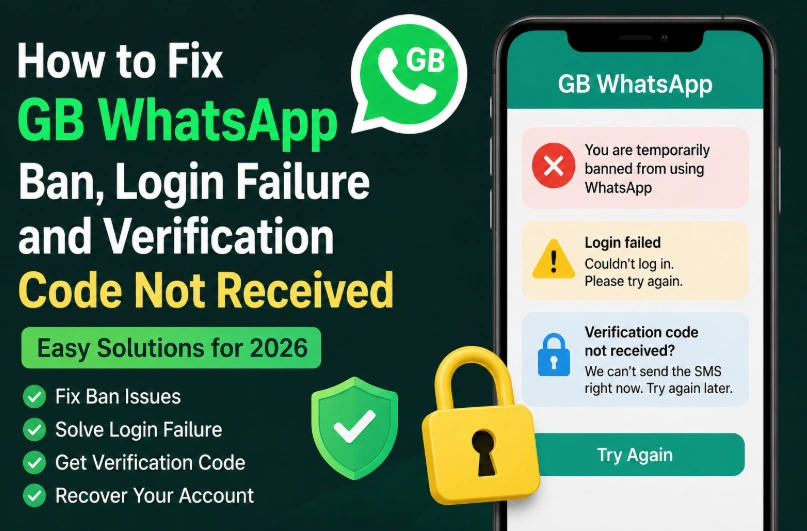
How to Fix GB WhatsApp Ban, Login Failure and Verification Code Not Received
Many users face issues like account ban, login failure, or not receiving verification code when using GB WhatsApp. This guide explains exactly why it happens and how to recover your account or fix login issues step by step.
Why GB WhatsApp Login Fails
Login problems usually happen because of:
- Temporary WhatsApp ban
- Using outdated GB WhatsApp version
- Wrong phone number format
- Network or SMS blocking issues
- Device flagged by WhatsApp system
These are the most common reasons users cannot access their accounts.
Fix 1: Verify Phone Number Correctly
If you are not receiving verification code:
First check your SIM card is active. Make sure mobile signal is strong. Enter your number with correct country code. Avoid using VPN during verification.
Most login failures happen due to incorrect number format.
Fix 2: If You Are Temporarily Banned
If you see a ban message:
Uninstall current GB WhatsApp version. Wait at least 24–48 hours. Then install the latest updated version. Log in again using the same number.
Using outdated versions increases ban risk, so updating is critical.
Fix 3: Clear App Data and Reinstall
Sometimes corrupted data blocks login.
To fix:
Go to settings → apps → GB WhatsApp → clear data and cache. Then uninstall the app completely. Restart phone and reinstall fresh APK.
This resets login state and removes hidden errors.
Fix 4: Fix Verification Code Not Coming
If SMS code does not arrive:
Try “Call me” option instead of SMS. Switch mobile network (WiFi off / mobile data on). Wait 5–10 minutes before retrying. Check if SMS blocker apps are active.
In many countries, SMS delays are normal during verification.
Fix 5: Avoid Permanent Ban Risk
To reduce ban risk:
- Do not spam messages
- Avoid sending bulk messages
- Use updated anti-ban version
- Do not switch devices frequently
These actions help keep your account stable.
Final Recovery Method
If GB WhatsApp login is still not working, the safest solution is:
Remove old version completely → install latest stable APK → verify number using SMS or call → restore backup if available.
This solves most login and ban-related issues in 2026.